
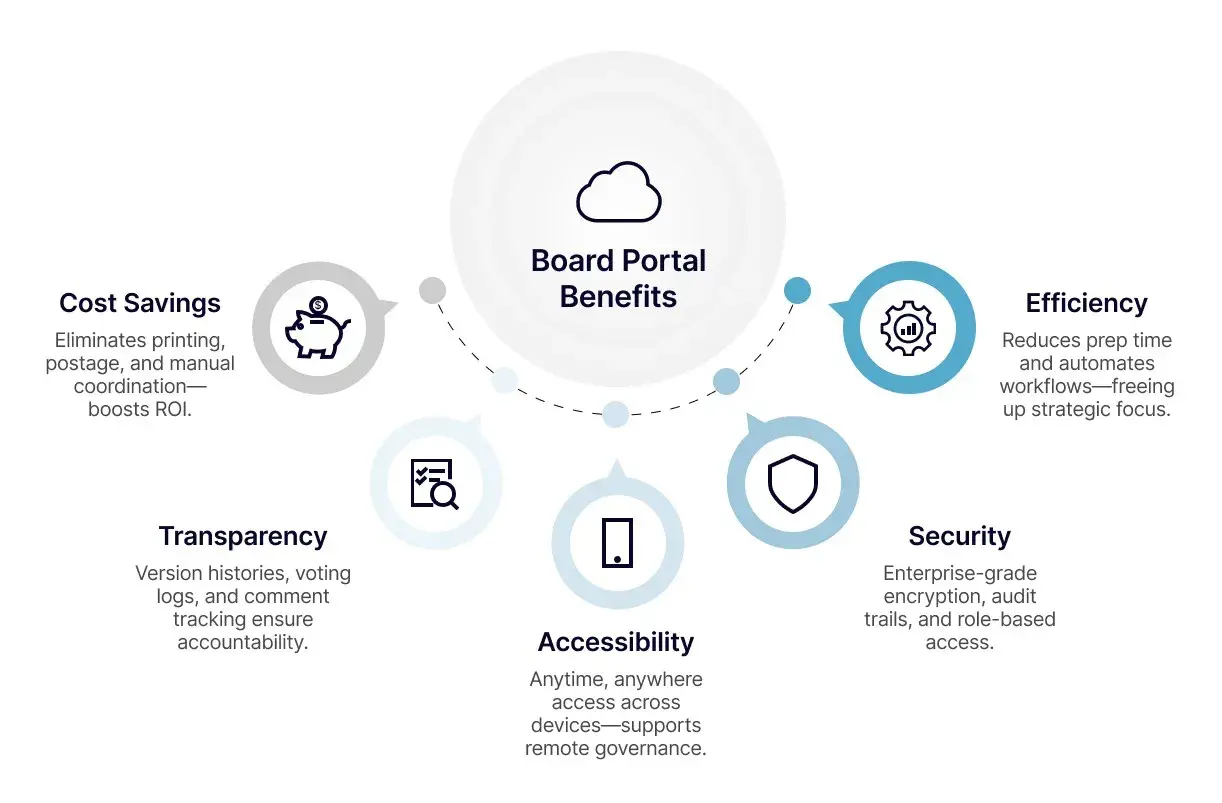
What matters most in a nonprofit board portal
- Nonprofit board materials often contain sensitive financial, personnel, and governance records.
- The nonnegotiables are MFA, role-based permissions, encryption, audit logs, and fast offboarding.
- The best systems also streamline agendas, board books, voting, minutes, and task follow-up.
- Quote-based pricing is common, so compare the first-year total and the renewal terms, not just the license line.
- Adoption works best when administrators define the workflow first and directors get one simple routine.
Why nonprofit boards need a governed workspace
Board materials in a nonprofit are rarely just meeting slides. They often include budget drafts, compensation discussions, grant reports, donor-sensitive information, conflict-of-interest disclosures, and committee notes that should not travel through ordinary email threads. The National Council of Nonprofits frames board members as fiduciaries, and that is exactly why the record has to be accurate, searchable, and controlled.
Shared drives and inboxes can work for a while, but they usually fail in the same predictable ways: a file gets forwarded to the wrong person, an attachment version goes stale, or a former volunteer still has access months after leaving. A portal creates a single place for the board record and gives the organization a clean line between public communication and restricted governance work. Least privilege means each person sees only what their role requires, which is a better fit for committees, staff leaders, and outside advisers with different responsibilities.
Once you see the problem as governance, not storage, the next question becomes obvious: which controls actually protect the work without making it harder to do?

The security controls I would not compromise on
When I evaluate a portal, I start with the controls that shape real-world risk rather than the features that look impressive in a demo. I want to know who can see each file, how access changes when roles change, and what evidence remains after someone edits or downloads a document.
| Control | Why it matters | What I look for |
|---|---|---|
| MFA and SSO | Protects accounts even if a password is reused or leaked. | Two-factor authentication at minimum, plus single sign-on if the nonprofit already uses it. |
| Role-based access control | Limits directors, staff, and guests to the documents they actually need. | Committee-level permissions, restricted folders, temporary guest access, and simple offboarding. |
| Encryption | Keeps data protected in transit and at rest. | Clear statements about transport and storage encryption, not vague security language. |
| Audit logs and version history | Shows who viewed, changed, or downloaded materials and when. | Exportable logs and an obvious change history for board books and minutes. |
| Retention and deletion controls | Helps the organization keep records it must retain and remove records it should not keep forever. | Admin rules for retention, legal holds, and defensible deletion. |
| Certification and privacy posture | Signals whether security is part of the operating model, not an afterthought. | External assurance such as SOC 2 Type II or ISO 27001, plus a plain-English explanation of how data is handled. |
I treat certifications as a signal, not a guarantee. They matter, but they do not replace good permission design, fast offboarding, or clear internal policy. In practical terms, a portal should let me remove a former treasurer in minutes, not after a ticketing back-and-forth.
Security is the floor, though. For a nonprofit, the platform also has to make the board easier to run.
How the portal should improve board work day to day
The strongest portals reduce friction across the whole meeting cycle: drafting agendas, publishing board books, capturing comments, recording votes, approving minutes, and following up on tasks. That is where volunteer boards feel the difference. If directors can open one app and find the latest packet, the current policy archive, and the committee materials they need, they prepare more consistently.
Here is the comparison I find most useful:
| Workflow | Email and shared drives | Board portal | Why it matters for a nonprofit |
|---|---|---|---|
| Board book versioning | Attachments multiply and the latest file is hard to confirm. | One controlled packet with revision history. | Reduces confusion before a vote and protects the record. |
| Committee access | Folder permissions are often broad or manually maintained. | Access can be limited by committee or role. | Keeps sensitive work visible only to the right people. |
| Meeting minutes | Drafts move through long email chains. | Drafts, approvals, and final records stay in one place. | Makes audits and board onboarding easier later. |
| Tasks and follow-up | Action items disappear into inboxes. | Tasks can be assigned, tracked, and closed in the system. | Improves accountability between meetings. |
| Document search | People remember file names differently. | Searchable archive with clear labels and metadata. | Saves staff time when someone asks for an older resolution or policy. |
The difference is not cosmetic. When board information sits in a governed workspace, the organization spends less time reconstructing decisions and more time acting on them.
That still leaves one hard question: how do you compare vendors without getting lost in glossy demos and long feature lists?
How I compare vendors without getting buried in feature lists
I start with the board’s actual operating model. A small advocacy nonprofit with six directors, one committee, and monthly meetings needs a different setup than a statewide organization with multiple committees, outside counsel, and a larger paper trail. Before I compare vendors, I want a precise answer to four questions: how often does the board meet, who needs access, what confidential material moves through the board, and how much staff time is available to administer the system?
Then I look at four commercial realities that usually decide whether the purchase feels worthwhile:
- First-year cost includes licenses, onboarding, training, support, and any add-ons such as e-signatures or advanced permissions.
- Renewal behavior matters because a low entry price can hide a sharp increase later.
- Implementation effort matters because a portal that takes weeks of staff babysitting can fail before it starts.
- Exit path matters because the board should be able to export records cleanly if the organization changes platforms.
Quote-based pricing is common, so I would not waste time pretending there is one universal price tag. What I would ask for instead is a clear breakdown of seats, storage, support level, implementation fees, and the cost of any features the board expects to use in the first year. If a vendor charges extra for the exact tools that solve the problem, the real price is higher than the brochure suggests.
A practical shortlist usually comes from narrowing the field by governance fit, not by the longest checklist. If a tool cannot support committee permissions, auditability, and a clean archive, it is not a serious contender for a nonprofit board.
How to roll it out so directors actually use it
Adoption is where many boards lose momentum. The platform may be secure, but if directors keep replying to email with attachments, the organization has simply added another place to ignore. I prefer a rollout that makes the new workflow the default and keeps the first month simple.
- Start with one board cycle. Move only the current packet, the active policy set, and the committee materials that directors really need.
- Train two groups separately. One short session for administrators, one short session for directors. Different users need different levels of detail.
- Set naming and posting rules. Use consistent file names, due dates, and folder structure before the first packet goes live.
- Define offboarding on day one. When a director or staff member leaves, access should be removed immediately and documented.
- Measure simple adoption signals. Look at packet completion, login rate, and the number of email attachments that still circulate after launch.
For smaller nonprofits, this kind of rollout can often be done in 2 to 6 weeks. For more complex organizations, especially those with multiple committees and outside advisers, I would plan more time so the policy work is finished before the tool goes live. The point is not speed for its own sake; it is to avoid teaching directors a habit that the organization later has to unlearn.
Training should also start early in board orientation. If new directors learn the portal on day one, they are much less likely to fall back to old habits later.
What I would ask for before signing a contract in 2026
Before I approve a platform for a nonprofit board, I want the vendor to answer a handful of questions in plain English. Does the system support MFA and SSO? Can permissions be limited by committee and changed quickly when roles change? Are audit logs exportable if an auditor or regulator asks? How are records retained, archived, and deleted? What does support look like when a director gets locked out on the morning of a meeting?
I would also ask about accessibility, mobile usability, and data portability. Mission-driven organizations should not buy a tool that only works comfortably for one kind of user. If directors live on tablets, if a committee chair uses assistive technology, or if staff need to export records at the end of a contract, those are not edge cases. They are normal operating conditions. If the nonprofit handles especially sensitive donor, personnel, or health-related material, I would want the vendor’s incident response and privacy posture documented clearly enough that the board can understand it without a technical translator. CISA’s incident-response basics are a useful benchmark for judging whether that answer is serious.
For me, the best portal is the one that makes governance feel lighter without making it less controlled. It should protect the board record, reduce administrative drag, and help the organization keep its attention on mission rather than file chasing.
