
The practical answer in one glance
- Zelle is a fast bank-to-bank payment rail, not donation software, so it works best for narrow, controlled use cases.
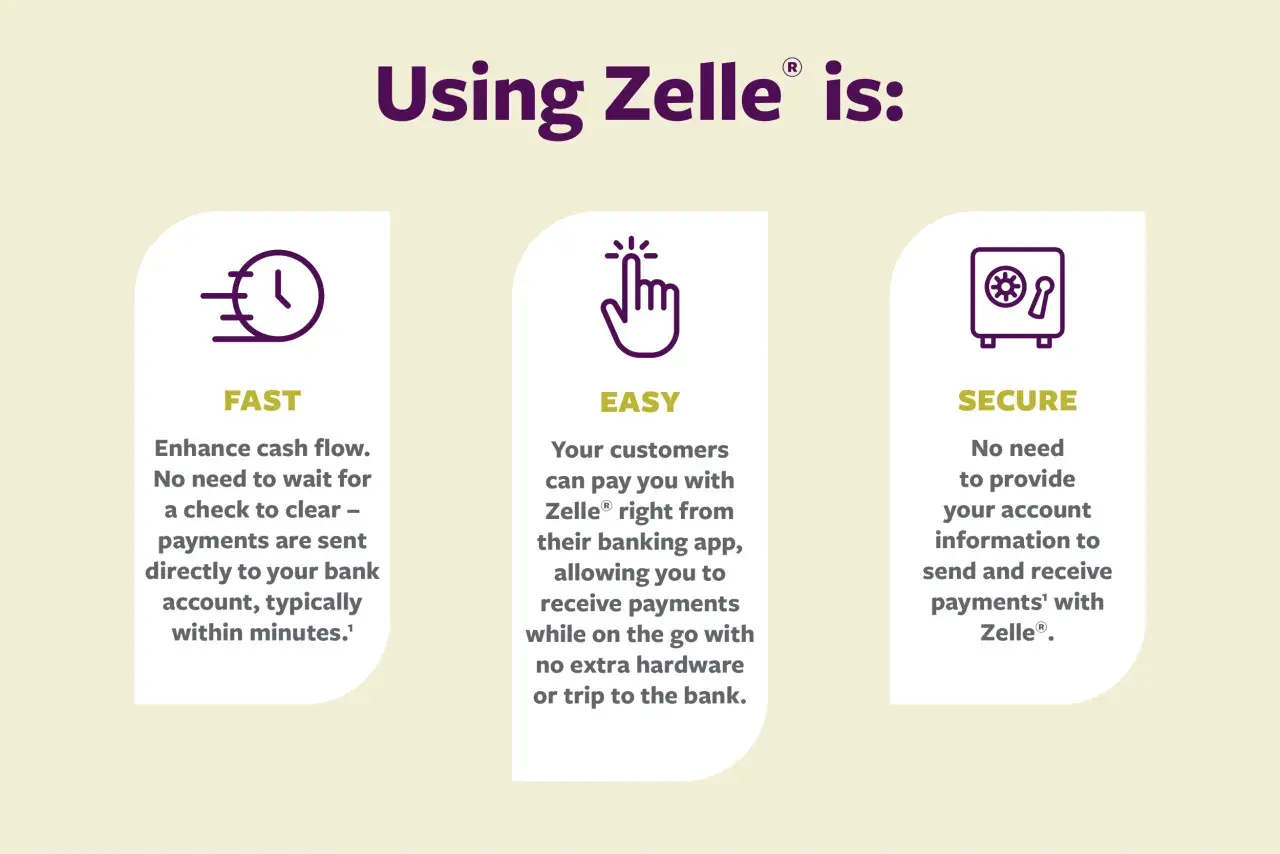
- Money typically arrives within minutes, and Zelle says it operates through more than 2,400 bank and credit union apps.
- Zelle’s own materials say 99.40% of linked consumer checking and savings accounts do not charge a fee, but nonprofit account terms still depend on the bank.
- It is strongest for trusted, one-time transfers, reimbursements, or small local payments where speed matters more than automation.
- It is weak for recurring gifts, public fundraising, donor segmentation, and refund-heavy workflows.
- Nonprofits should treat Zelle as one channel inside a broader payment stack, not the center of it.
How Zelle fits into a nonprofit payment stack
Zelle is built into participating bank and credit union apps, so the transfer happens inside the banking layer rather than through a standalone fundraising platform. That matters because the money movement is direct, quick, and usually familiar to donors who already use mobile banking. It also means the service is constrained by bank participation and by the account type your organization actually holds.
In practice, I see this as a convenience rail, not a full donor experience. The public Zelle documentation is clear about consumer and small business use, but it does not spell out a universal nonprofit rule. My reading is that the deciding factor is bank-specific: if your financial institution supports your nonprofit account type, Zelle may work; if it does not, it will not. That is why this is not a yes-or-no question so much as an eligibility check.
Two other details matter. First, both sides need eligible U.S. bank accounts. Second, transfers are typically fast enough that the operational burden moves from payment speed to internal process. That is where nonprofit software, accounting controls, and donor records become essential. Once you see it that way, the rest of the decision gets much clearer.
When it is actually worth using
Zelle makes the most sense when the organization already knows the other party and the transaction does not need a lot of back-and-forth. I would use it in a few specific situations:
- Volunteer or staff reimbursements where the amount is small, the recipient is known, and the expense has already been approved.
- Emergency microgrants for local relief work, especially when speed matters more than a polished recipient portal.
- One-time local donations from supporters who already bank with Zelle and prefer a quick transfer over filling out a form.
- Trusted partner payments such as a short-term community collaboration where the nonprofit and vendor already have a relationship.
- Direct support in the field when a caseworker or program lead needs to move money fast to a verified beneficiary.
The common thread is low complexity. If the payment is small, domestic, and easy to match against an approved purpose, Zelle can save time without much friction. It is especially handy when the donor or recipient already knows how to use mobile banking and does not want a third-party checkout experience.
That said, “easy” is not the same as “complete.” The moment the transfer needs a receipt trail, a campaign label, or a refund policy, the limits of the tool start to show.

Where it falls short compared with donation software
This is the section that usually decides the whole project. Zelle can move money, but donation software manages the fundraising experience around that money. Those are not the same thing.
| Need | Zelle | Donation software or payment platform | Why it matters |
|---|---|---|---|
| Recurring gifts | Not built for structured recurring fundraising | Usually built in | Predictable revenue is hard to build without automation |
| Donor receipts | Manual | Usually automatic | Receipts drive stewardship and tax acknowledgment |
| Campaign pages | No real donation page layer | Yes | Public fundraising needs trust and branding |
| Dispute handling | No reversals after enrollment, and no purchase protection | Usually stronger workflows | Mistakes happen, especially with new donors |
| Donor data | Minimal | Structured profiles and exports | Segmentation and follow-up depend on clean data |
| International support | U.S. bank accounts only | Often broader | Many nonprofits raise money beyond one country |
That table is the honest tradeoff. Zelle is fast, but it is thin. Donation software is heavier, but it gives you the things a nonprofit actually needs once fundraising becomes public, repeatable, or donor-facing. I would not build a main donation strategy on Zelle alone.
Zelle’s help center does use the American Red Cross as a donation example, which shows the rail can work for a real nonprofit. The important part is the wording around that example: the money transfer is only one piece, and the organization still has to handle the receipt and donor experience itself.
Once you separate payment speed from fundraising operations, the next question becomes how to use Zelle without creating internal risk. That is where process design matters.
How to set it up safely inside your operations
If I were implementing Zelle in a nonprofit, I would keep the setup narrow and procedural. The goal is not to make it fancy. The goal is to make it predictable.
- Confirm eligibility with the bank first. Ask whether your exact nonprofit account type can enroll. Do not assume the answer based on the consumer version of the app.
- Use one official account identity. Your legal name, public name, and donor-facing transfer details should all point to the same organization so supporters can verify they are paying the right entity.
- Keep the handle stable. If you change the contact email or mobile number often, you raise the chance of failed transfers and impostor confusion.
- Set memo-line rules. Ask donors and staff to include campaign names, grant purposes, or reimbursement codes so the bank activity can be matched later.
- Require a second check for sensitive transfers. One person can initiate; another should review any new recipient detail or any payment above your internal threshold.
- Reconcile frequently. Daily for active programs, weekly at minimum. Instant payments are not a reason to delay bookkeeping.
- Document refunds and exceptions. Because Zelle payments are generally not reversible once sent to an enrolled recipient, your internal process has to cover mistakes before they become incidents.
The trust issue is worth stating plainly. For a nonprofit, the right question is not whether a donor personally knows the staff member. The right question is whether the donor can independently verify that the payment is going to the organization they intended to support. That small distinction prevents a lot of avoidable confusion.
Once the operational controls are in place, the remaining work is less about sending money and more about recording it correctly.
Recordkeeping and donor receipts still matter
Zelle does not issue 1099-K forms, and it does not report network transactions to the IRS. That sounds convenient, but it does not remove the nonprofit’s bookkeeping responsibility. In fact, it usually increases the need for disciplined internal records because the payment rail itself gives you less structured reporting than a full donation platform would.
For donors, a bank transfer is not the same thing as a tax acknowledgment. If the contribution is deductible, your organization still needs to issue the appropriate receipt and store the underlying record: donor name, amount, date, campaign, and whether any goods or services were received in exchange. If it was an event ticket, membership, or merchandise purchase, the receipt logic changes again. That is exactly why a memo line alone is not enough.
One useful model appears in Zelle’s own help content for the American Red Cross, where the organization provides a receipt upon request using the donor’s name, amount, and date. I would treat that as the minimum standard, not the ceiling. For a nonprofit, the payment rail moves the money; your systems should create the paper trail.
If you already use donor management software, this is where it earns its keep. A manual Zelle payment can be perfectly acceptable, but it should still end up inside the same record structure as every other gift. Otherwise, reconciliation turns into archaeology.
That leads to the last piece of the decision: what else should sit beside Zelle so the organization is not relying on a single, narrow channel.
What I would pair with Zelle before turning it on
My default view is simple: Zelle should sit beside purpose-built nonprofit tools, not replace them. The mix depends on how the organization raises money, but the supporting stack usually looks like this:
- Donation software for public giving pages, recurring gifts, and campaign tracking.
- Accounting software for bank-feed reconciliation, restricted-fund tracking, and audit-ready reporting.
- Donor management software for stewardship, segmentation, and follow-up emails.
- ACH or card payments for donors who want a familiar checkout flow or for larger recurring contributions.
This pairing matters because each tool solves a different problem. Zelle handles direct movement. Donation software handles presentation and donor experience. Accounting handles control. Donor management handles retention. When a nonprofit tries to make one tool do all four jobs, the weak spots show up fast.
I also think Zelle works best as a side channel, not the front door. If a donor wants to give through a mobile device in under a minute, a clean donation form may still be better than asking them to open their banking app. If a staff member needs to reimburse a volunteer who already has a verified relationship with the organization, Zelle may be the cleaner route. The best tool changes with the context.
The rule I would use before approving it for a nonprofit
My rule is straightforward: use Zelle only when the transfer is one-time, domestic, easy to verify, and low risk enough that a reversal is not expected. If the payment needs recurring automation, public fundraising features, stronger donor data, or flexible dispute handling, I would move it into dedicated nonprofit software instead.
That split keeps the organization honest. Zelle does the fast part well. Nonprofit software does the relationship and reporting part well. When you keep those roles separate, the payment process stays simple without making the rest of the operation fragile.
