
The fastest way to separate real value from a noisy free plan
- “Free” means different things. Some tools are truly zero-fee, while others are free to start but charge on payments, upgrades, or ticket sales.
- Nonprofits need more than a registration form. Ticketing, donor data, guest list management, check-in, reminders, and reporting matter just as much.
- Zeffy is the cleanest zero-fee option. It is strongest when every donated dollar needs to stay with the mission.
- Givebutter and Eventbrite solve different problems. One leans toward flexible fundraising, the other toward event discovery and public reach.
- Small events can get by with lighter tools. RSVP-focused platforms and free-start forms work well until the guest list or payment needs get more complex.
What nonprofits actually need from event software
I always start with the job the software has to do, not the price tag. A nonprofit event tool should make it easier to raise money, register guests, and keep volunteers from drowning in spreadsheets. If it cannot handle those basics, the “free” label is usually a distraction.
For most mission-driven teams, the must-have list is shorter and more practical than vendors make it sound:
- Registration or ticketing that works on mobile and does not make donors fight through extra steps.
- Donation handling for fundraisers, sponsor tables, suggested gifts, or add-on contributions.
- Guest management so staff can see who is coming, who has paid, and who still needs a reminder.
- Check-in tools for the event day itself, especially when volunteers are running the door.
- Email follow-up for confirmations, reminders, receipts, and thank-you notes.
- Exports and reporting so finance and development teams can reuse the data after the event ends.
What I usually see go wrong is simple: teams choose a platform that looks polished but still leaves them doing manual follow-up in Google Sheets. Once that happens, the software is not really saving time anymore, which is why the next question is what “free” actually covers.
What “free” really means in practice
The phrase free event management software for nonprofits hides several different pricing models, and those models matter more than the headline. In practice, I separate them into four buckets, because each one shifts cost in a different direction.| Free model | What it usually means | Best fit | What to watch |
|---|---|---|---|
| Truly zero-fee | The nonprofit is not charged platform fees, and payment costs are not pushed back in a hidden way. | Fundraisers where every dollar matters | May have fewer enterprise-style features |
| Free to publish | The event page is free, but ticketing fees appear on paid events or upgrades. | Public events and awareness campaigns | Costs show up once money starts moving |
| Free plan with limits | The software is free up to a guest cap or feature cap. | Small private events | You can outgrow it quickly |
| Free account, paid payments | Creating the account costs nothing, but online payments still carry transaction fees. | Simple forms and group collections | Not truly free once you collect money |
I think this distinction matters because nonprofits rarely lose money through the event page itself. They lose money through payment processing, forced upgrades, or donor friction that lowers conversions. If I am comparing tools, I care less about the word “free” and more about where the cost lands.

The platforms I would shortlist first
When I review event tools for a nonprofit team, I usually shortlist a few that solve different versions of the same problem. Some are better for pure fundraising, some are better for public reach, and some are simply easier to use when the event is small.
| Tool | Free model | Best fit | Main tradeoff |
|---|---|---|---|
| Zeffy | Zero-fee nonprofit platform | Fundraisers where keeping every dollar matters most | Less general-purpose than a broad event CMS |
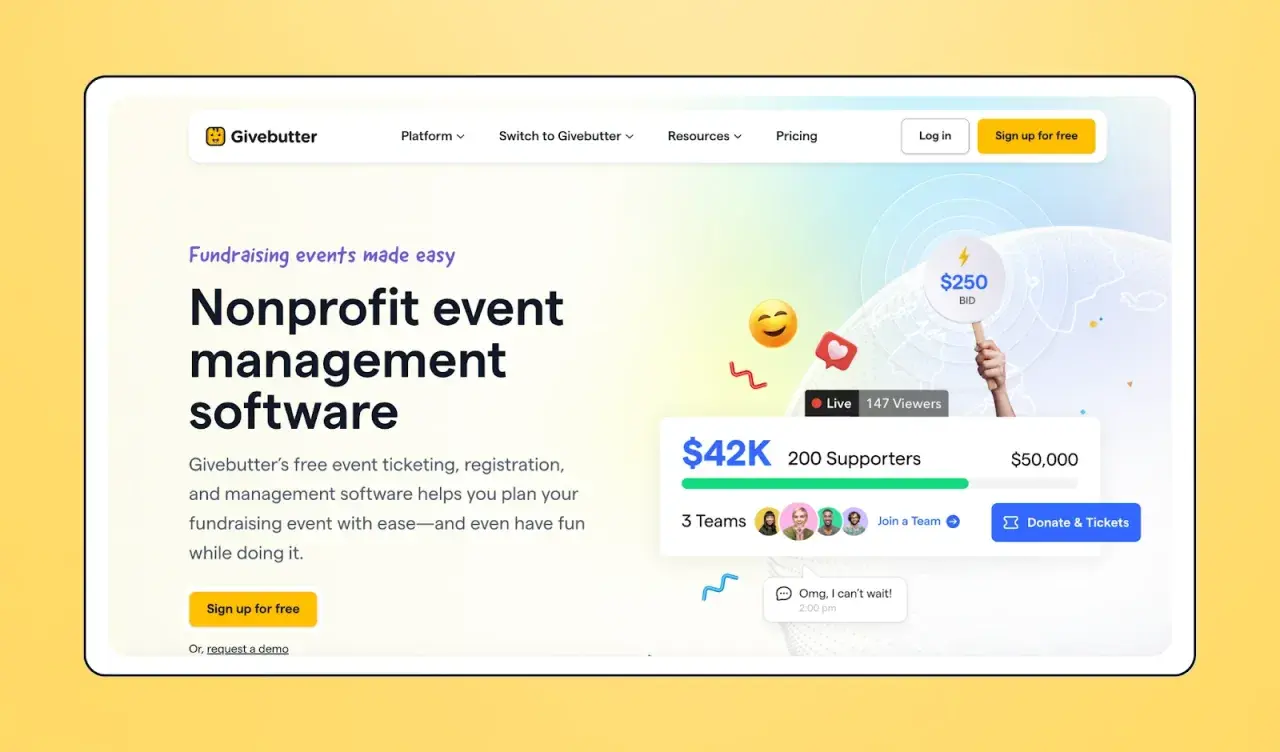
| Givebutter | Core fundraising features are free; donor tips can keep it free, or you can disable them and pay a platform fee | Events that combine tickets, donations, and campaign pages | The cost picture depends on checkout settings |
| Eventbrite | Publish events for free; paid-ticket fees apply, and nonprofits can qualify for discounted Pro plans | Public events that benefit from discovery | Best when visibility matters as much as registration |
| RSVPify | Free plan for smaller events, with basic RSVP features and nonprofit discounts on paid plans | Private dinners, galas, VIP events, and invite-only gatherings | The free tier is small if the guest list grows |
| Cheddar Up | Free account, with payment-processing fees on online transactions | Groups that need forms, payments, and simple event collection in one place | Useful, but not zero-cost once money moves |
My practical read is straightforward. If the mission depends on preserving margins, the zero-fee option is hard to ignore. If the event needs public reach, the discovery-driven platform can be more valuable than a prettier private page. And if the event is smaller and invite-only, I would rather have a clean RSVP flow than a bloated set of features nobody uses.
That is the real reason I shortlist different tools instead of assuming one free plan fits every nonprofit event.
How I would match the tool to the event type
The best choice depends on the event you are running, not just the category of software. A school fundraiser, a donor gala, and a volunteer appreciation breakfast have very different needs, even if they all start with registration.
Fundraising galas and auctions
For events that are meant to raise money, I prioritize the checkout experience first. Ticketing, donation add-ons, sponsorship tables, and clean receipts matter more than deep customization. If a platform adds friction at payment, it can quietly lower revenue even if the design looks polished.
Free community events and workshops
When the event is free, the main goal is turnout and attendance quality. In that case, I care about simple RSVPs, confirmation emails, waitlists, and low-friction guest management. A public event can also benefit from a platform with a built-in audience, because discovery often matters more than premium branding.
Invite-only dinners and board events
Private events need control. I look for guest list management, custom RSVP fields, meal preferences, and a small enough cap that the team can stay organized without extra software. A tool with a 100-guest free tier can be perfectly adequate here, as long as the invite list stays disciplined.
Read Also: Nonprofit Board Portal - Secure Governance & Smarter Work
Hybrid or public-facing campaigns
Hybrid events need a little more structure because the online and in-person experiences overlap. I want one system that can handle registration, reminders, and reporting without splitting data across three separate tools. If the event is also public-facing, visibility and easy sharing become much more important.
Once the event type is clear, the remaining mistakes are easier to spot, which is where many “free” setups quietly start to cost money.
The mistakes that quietly make a free platform expensive
Most nonprofit teams do not overspend because they chose the wrong headline price. They overspend because the tool they picked creates hidden labor, hidden fees, or hidden limitations. These are the mistakes I see most often:
- Ignoring payment fees. A platform can look free until the first transaction goes through.
- Choosing a guest cap too low. A free tier can be useful, but only if your event size truly fits it.
- Collecting too many fields. Every extra question adds friction and can reduce completion rates.
- Skipping mobile testing. If the registration or check-in flow fails on a phone, volunteers will feel it immediately.
- Forgetting follow-up. If receipts, reminders, and thank-you emails are not built in, staff usually rebuild them by hand.
- Underestimating add-ons. Some teams only realize later that email volume, branding controls, or advanced reporting sit behind a paid tier.
One example makes this concrete. RSVPify’s free plan is aimed at smaller events, so it can be a smart fit for a dinner or board gathering. But if the guest list grows beyond that shape, the upgrade arrives sooner than expected. On the payment side, Cheddar Up shows how “free account” does not necessarily mean “free transaction,” because fees still appear when money is collected. Those details change the real cost of the event.
That is why I always test the payment path, the email path, and the check-in path before I recommend anything to a nonprofit team.
A lean setup that keeps a small team sane
When a nonprofit is short on staff time, I like to keep the setup boring on purpose. The goal is not to build the most elaborate event system. The goal is to create a repeatable process that volunteers can actually run.
- Decide what data you actually need. If a question will not change seating, payment, or follow-up, I usually leave it out.
- Create one clean registration path. Fewer clicks means fewer abandoned signups.
- Use only the ticket types that matter. Overcomplicating tiers often confuses donors more than it helps them.
- Set confirmations and reminders before launch. The best event software handles this automatically, so I do not have to chase people later.
- Run one test attendee through the whole flow. Registration, receipt, reminder, check-in, and export should all work before the public sees the page.
- Prepare a post-event export. A clean list of attendees, donors, and notes makes the next campaign easier.
I also like to assign one person to own the event page and one person to own the attendee list. Small teams often blur those responsibilities, and that is usually when things break down. Once the workflow is simple, the software stops being a burden and starts behaving like infrastructure.
What I would prioritize first if the budget is tight
If I had to rank the decision for a nonprofit with very limited budget, I would start with margin protection, then ease of use, then reach. That order is not glamorous, but it is honest. The best tool is the one that helps the mission keep more of what it raises while still reducing staff workload.
- Choose zero-fee tools first when the event is meant to raise meaningful money and every percentage point matters.
- Choose discovery-first tools when the event needs public visibility and broad attendance.
- Choose RSVP-focused tools when the guest list is smaller, private, or invitation-based.
- Choose payment-friendly forms when the event is really a collection process with a schedule attached.
In practice, that means the zero-fee option is my first stop for fundraisers, the public marketplace option is my first stop for awareness events, and the lightweight RSVP tools are my first stop for smaller private gatherings. I would not overbuy features for a nonprofit event unless they clearly save time, protect revenue, or improve attendance. If they do not, they are just another line item.
For most U.S. nonprofits in 2026, the smartest move is to pick a platform that matches the event’s financial reality, not just its design ambitions. If your team is focused on fundraising, I would look hard at the zero-fee and donor-supported models first. If the goal is to fill a room quickly, I would lean toward the tool that makes registration easiest for attendees and least painful for staff.
