
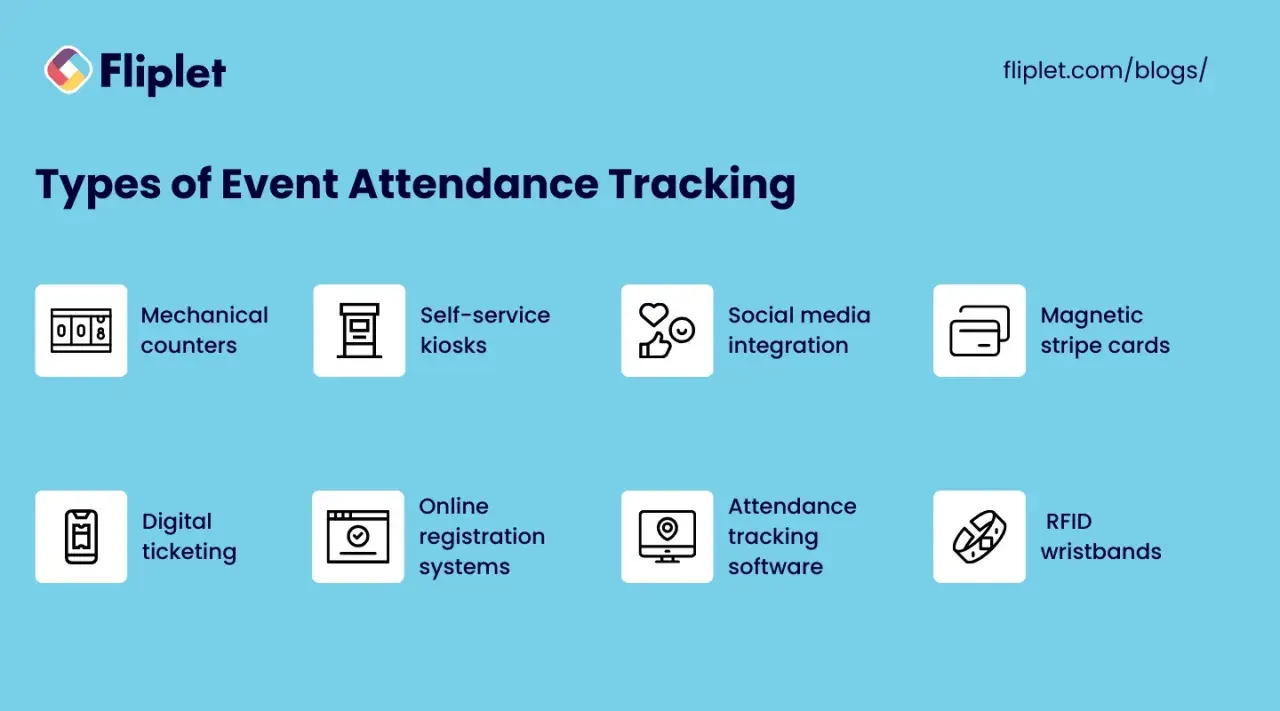
Tracking attendance is not just a headcount exercise. For a fundraiser, auction, or community event, it tells me who actually showed up, how smoothly check-in worked, which guests were engaged, and whether the data is strong enough to support follow-up later. The practical answer to how to track event attendance is a workflow: define what counts, choose a capture method that fits the event, and record the data in a format you can actually use.
Key points to keep in mind before you choose a system
- Attendance is not the same as registration; decide whether you care about check-in, session presence, walk-ins, or bidder activity.
- QR or barcode scanning is the best default for most in-person events because it is fast, cheap, and easy to train volunteers on.
- Manual sign-in sheets still work as a backup, but they create delays and duplicate entries fast.
- Auctions need richer data than simple headcounts, especially bidder ID, payment status, and table assignment.
- Post-event reporting matters because attendance rate, no-show rate, and revenue per attendee tell you what to improve next time.
Start by deciding what attendance actually means
I never pick a tool until I know what I want the record to show. For a simple gala, attendance may mean a single checked-in record per guest. For a conference, it may mean arrival plus session-level presence. For an auction, it may also mean whether someone was seated, whether they placed bids, and whether their payment details were confirmed before the event started.
The cleanest attendance setup usually tracks a few separate fields instead of one vague status:
- Registered means the person RSVP'd or bought a ticket.
- Checked in means the person physically arrived.
- Walk-in means they were not on the original list.
- No-show means they registered but never arrived.
- Session attendance matters when the event has breakouts, workshops, or multiple rooms.
- Bidder status matters when the event includes a silent or live auction.
That distinction sounds basic, but it prevents a lot of bad reporting later. Once I separate registration from actual presence, I can compare methods without mixing up the numbers, and that makes the next decision much easier.
Choose the right tracking method for the event
The best tracking method depends on volume, staff capacity, and how much friction the guest experience can tolerate. Cvent notes that QR or barcode check-in can update a guest’s status instantly, and that is why it has become the baseline for most modern event entrances. In practice, I treat everything else as a variation on that core idea.
| Method | Best for | Strengths | Trade-offs |
|---|---|---|---|
| Manual sign-in sheet | Very small events or backup use | Almost no setup cost; simple to explain | Slow, messy handwriting, duplicate entries, weak reporting |
| QR or barcode scan | Most in-person events and fundraisers | Fast check-in, easy reporting, low training burden | Needs a synced guest list and a working device |
| Mobile check-in app | Events with multiple entrances or volunteers | Portable, real-time updates, often includes badge printing | Depends on battery life, connectivity, and staff discipline |
| Self-service kiosk | Lobbies, galas, and conferences with steady arrivals | Reduces staff load and creates a smoother front desk | Needs clear signage and a reliable physical setup |
| RFID or NFC | Large conferences, VIP access, or multi-zone venues | Passive capture, useful at scale, good for movement data | Higher cost and more setup than most auctions need |
| Hybrid setup | Events where nothing can fail | Combines digital speed with manual backup | Requires more planning and more staff discipline |
For most community events and charity auctions, I would start with QR check-in plus a manual backup station. RFID only makes sense when the event is big enough that you need passive tracking across multiple zones. Once you know the options, the real work is building a check-in flow that staff can actually follow under pressure.
Build a check-in flow your team can execute quickly
The strongest attendance system is the one volunteers can run without improvising. I like to think in stages: before the event, at the door, and after the last guest leaves. That keeps the process simple enough for a volunteer team and strict enough for useful data.
- Clean the guest list before doors open. Remove duplicates, fix obvious spelling errors, and make sure each guest has one unique record.
- Assign a unique identifier. That can be a QR code, barcode, ticket number, bidder number, or table code.
- Prepare a walk-in process. New arrivals should be added in one place, not scribbled into multiple spreadsheets.
- Train the staff on exceptions. Missing ticket, same-name duplicate, VIP arrival, plus-one, and forgotten badge should each have a simple rule.
- Test offline mode. Wi-Fi failures are common enough that a check-in app should still function when the connection drops.
- Close the loop after check-in. Sync the data, confirm totals, and export a clean report before the team packs up.
If the event includes printed badges or table cards, I usually match the name badge to the attendance record so seating and reporting stay in sync. That matters more than it sounds, especially when you are managing volunteers or sponsors who need to be recognized correctly. Once that flow is stable, it becomes much easier to adapt it for an auction or fundraiser, where money and attendance data overlap.
Adapt the process for charity auctions and fundraisers
Auctions add another layer: the guest is not just an attendee, but often a donor, bidder, table host, or sponsor. That means the attendance record should connect to the rest of the event data. DonorPerfect points out that auction check-in runs faster when you already have the guest’s name, email, and payment details before they arrive, and that matches what I see in practice.
For a charity auction, I would track a few extra fields alongside attendance:
- Bidder number so silent auction activity can be tied back to one guest.
- Payment method on file so checkout does not become a bottleneck.
- Table assignment so hosts, sponsors, and VIPs can be seated quickly.
- Donation or sponsorship status so you can segment follow-up later.
- Event role such as guest, donor, volunteer, staff, or presenter.
I also separate “attended the dinner” from “participated in the auction” when the event includes both. That distinction gives a much clearer picture of engagement. A guest who came for the meal but never bid should not be counted the same way as a sponsor who checked in, bid, and followed up with a gift later.
One practical rule helps here: do not ask staff to collect too many details at the door. If the auction requires credit card capture, donor information, or compliance fields, handle most of that before the event. That keeps the line moving and reduces the chance that attendance data gets mangled while someone is trying to type and greet guests at the same time.
Turn attendance data into decisions after the event
Attendance data is only useful when it changes the next event. I look at a few metrics every time because they tell me different things. Some measure turnout. Others measure friction. A few tell me whether the event actually served the mission well.
| Metric | How to calculate it | Why it matters |
|---|---|---|
| Attendance rate | Checked in ÷ Registered × 100 | Shows how many invited or ticketed guests actually came |
| No-show rate | 100 - Attendance rate | Helps judge invitation quality and reminder timing |
| Walk-in share | Walk-ins ÷ Total attendees × 100 | Tells you whether your event attracts spontaneous traffic |
| Average check-in time | Total check-in time ÷ Number of guests | Shows whether the front desk is too slow |
| Revenue per attendee | Net proceeds ÷ Checked-in guests | Useful for comparing fundraisers with different guest counts |
| Return rate | Repeat attendees ÷ Eligible returning guests × 100 | Shows whether the event is building loyalty |
I like to send thank-you messages and donor follow-up within 48 hours while the event is still fresh. That is especially important for auctions, where attendees often decide whether the experience felt organized, personal, and worth repeating. When you review the data, look for one operational issue and one engagement issue, not just the headline attendance number; that keeps the next decision grounded in reality.
Use a repeatable workflow for the next gala, auction, or community night
If I were setting up a new event from scratch, I would keep the system intentionally simple. One source of truth. One primary check-in method. One backup for outages. One clean report at the end. That is usually enough to turn attendance from a rough guess into a reliable signal about engagement, service, and fundraising performance.
- Use a synced guest list with one unique record per attendee.
- Choose QR check-in unless the event is large enough to justify passive tracking.
- Keep a manual backup station for walk-ins and device failures.
- Separate guests, bidders, volunteers, and sponsors in the report.
- Review the data within 24 hours while errors are still easy to catch.
For community-focused events, this is where attendance tracking becomes more than administration. It helps you see who showed up, who stayed engaged, and which parts of the event actually supported the mission. If the process stays clean at the door and the reporting stays clean afterward, the next event becomes easier to run, easier to improve, and easier to defend with real numbers.
