
Key points to keep the calendar useful all year
- A fundraising calendar works best when it connects dates, owners, budgets, and outcomes, not just events.
- The most useful template is simple enough to update quickly but structured enough to support real decisions.
- For U.S. fundraising, year-end giving, Giving Tuesday, spring campaigns, and fiscal-year deadlines deserve special attention.
- The calendar should be reviewed monthly so it stays current as campaigns shift, grants land, or priorities change.
- Free templates are valuable only when they reduce confusion and make follow-through easier for the team.
Why a calendar works better than a loose fundraising to-do list
I prefer a calendar format because fundraising is not just a sequence of tasks. It is a timing problem. If your appeal goes out too late, your event lands on the wrong week, or your stewardship email arrives after the donor has already cooled off, the work still gets done but the result weakens. A calendar forces those moving parts into one view.
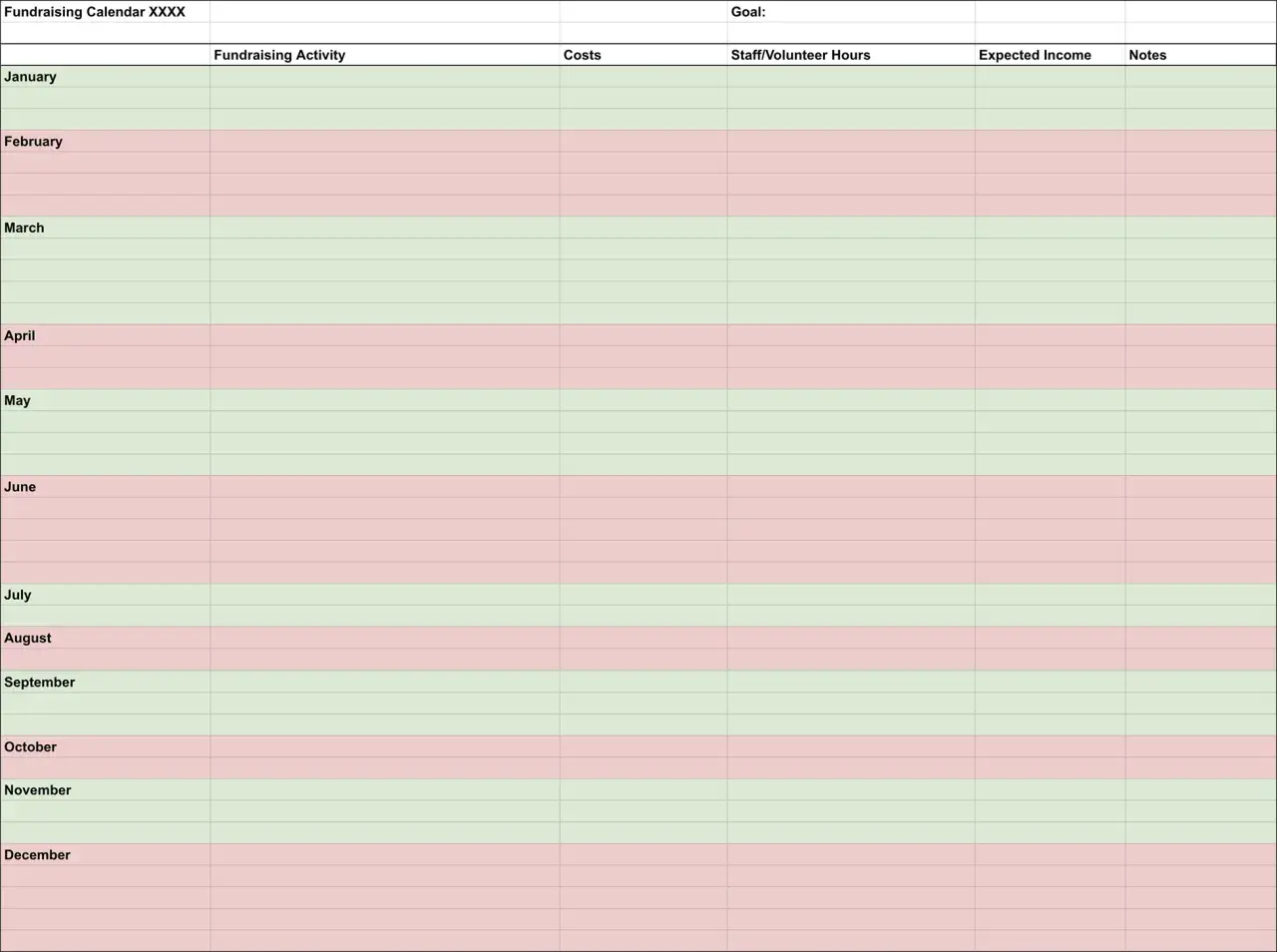
That is the real advantage of a free fundraising template: it turns strategy into something operational. You can see the campaign timeline, the communication cadence, the board touchpoints, and the internal deadlines in the same place. For a small team, that clarity usually matters more than design polish. I would rather use a plain calendar that gets updated than a beautiful one nobody trusts.
The other reason it helps is accountability. When a date is tied to a person, a budget line, and a specific outcome, it becomes much harder for work to drift. That is especially important for community organizations and nonprofits that juggle events, donor outreach, and program delivery at the same time. Once the structure is in place, the next question is simple: what should actually go into the template?

What belongs in a usable template
A good template should capture the parts of fundraising that affect execution, not every detail imaginable. In my experience, the strongest versions stay focused on a small set of fields that everyone can understand at a glance.
| Field | Why it matters | Best use |
|---|---|---|
| Date or time window | Shows when the campaign, event, or task must happen | Monthly, weekly, or quarterly planning |
| Fundraising activity | Names the action clearly, such as an appeal, gala, or matching campaign | Campaign tracking |
| Goal | Defines the target amount, donor count, or engagement result | Performance tracking |
| Owner | Makes responsibility visible | Team coordination |
| Channel | Shows whether the work happens by email, mail, social, events, or direct outreach | Communication planning |
| Budget | Helps keep spending aligned with the expected return | Campaign approvals |
| Status | Shows whether something is planned, in progress, or completed | Team reviews |
| Follow-up date | Prevents donor stewardship from being forgotten | Post-campaign follow-through |
If the organization is small, I would keep it to these core fields and stop there. If the team is larger, I would add approval status, asset links, and a note field for dependencies such as printing deadlines or board sign-off. The point is not to create a perfect system on day one; it is to remove guesswork.
| Template type | Best for | Main advantage | Main tradeoff |
|---|---|---|---|
| One-page monthly tracker | Small teams and volunteer-led groups | Fast to update | Limited detail |
| Quarterly campaign calendar | Organizations running several campaigns each year | Better pacing and fewer overlaps | Less visibility into daily tasks |
| Annual master calendar | Nonprofits with board reporting and multiple channels | Best for strategic planning | Needs regular maintenance |
Once the fields are clear, the next step is to map them to the realities of the fundraising year in the United States, because timing shapes almost everything.
How to map the U.S. fundraising year
For U.S. organizations, the calendar should follow donor behavior as much as internal capacity. I would treat the year in seasons rather than in isolated months. That makes it easier to spot crowded periods and protect the quieter windows for preparation, stewardship, and grants.
| Season or window | What to plan | Why it belongs in the calendar |
|---|---|---|
| January to March | Thank-you messages, donor retention, planning, grant research | It is a good time to reset and prepare the next push |
| Spring | Appeals, community events, sponsorship outreach | Many organizations can activate supporters before summer slows momentum |
| Summer | Light-touch stewardship, recurring gifts, internal planning | Useful for maintenance work when event volume may be lower |
| Fall | Major campaign preparation, gala season, board engagement | Teams need enough lead time before year-end pressure builds |
| November to December | Giving Tuesday, year-end appeals, matching gifts, final reminders | This is the most sensitive fundraising window for many U.S. nonprofits |
A simple workflow that keeps the calendar usable
I like to build the calendar in a few passes rather than trying to finish it all at once. That keeps it realistic and reduces the risk of overcommitting.
- Start with the non-negotiables: board meetings, grant deadlines, signature events, and year-end appeals.
- Add the campaigns that support those moments, such as email appeals, donor calls, social media pushes, or direct mail.
- Back into the internal deadlines, including copy drafts, approvals, design work, printing, and volunteer training.
- Assign one owner to each item so nothing depends on a vague team effort.
- Review the calendar at least once a month and move dates when reality changes, because reality will change.
The trick is to make the calendar specific enough to guide action but flexible enough to survive actual nonprofit work. If I had to name the biggest difference between a useful calendar and a dead one, it would be maintenance. A dead calendar is one that was built once and never touched again. A useful one gets reviewed, edited, and defended.
Where free templates usually fail and how to avoid it
Free templates are often too generic, and that is the core problem. They look clean, but they rarely account for the way a real fundraising program operates. I see the same mistakes again and again, and they are all fixable.
| Common mistake | Why it causes problems | Better approach |
|---|---|---|
| No owner listed | Tasks drift because nobody feels responsible | Assign one accountable person per item |
| Too many events stacked together | The team cannot support every effort well | Spread major asks across the year |
| Ignoring lead times | Creative, printing, and approvals become bottlenecks | Build backward from launch dates |
| No budget column | Campaigns can become expensive without warning | Track expected spend next to expected return |
| No follow-up date | Stewardship gets lost after the donation lands | Schedule a donor thank-you and next-touch date |
There is also a quieter failure mode: the template becomes so detailed that nobody wants to use it. I would rather have a plain, slightly imperfect system that people update consistently than a polished document that creates friction. For community organizations, that matters because the calendar should support action, not add administrative weight. The final step is deciding what a practical starting version looks like for your own team.
The simplest version I would use in a small nonprofit
If I were starting from zero in 2026, I would keep the first version extremely lean. One tab, one year view, and only the information that directly affects execution. That means campaign name, date range, goal, owner, channel, budget, and status. Nothing more is required at the beginning.
From there, I would build around four anchor points: one major year-end campaign, one spring appeal, one stewardship or retention cycle, and one flexible slot for an event or emergency opportunity. That structure gives a small team enough shape to plan without locking every week into place. It also leaves room for the unexpected, which nonprofit work always seems to generate.
A free fundraising calendar is most useful when it lowers stress instead of adding another planning burden. Keep it simple, connect it to real deadlines, and update it often. If it helps your team say no to weak ideas and yes to the campaigns that actually fit, the template is doing its job.
