
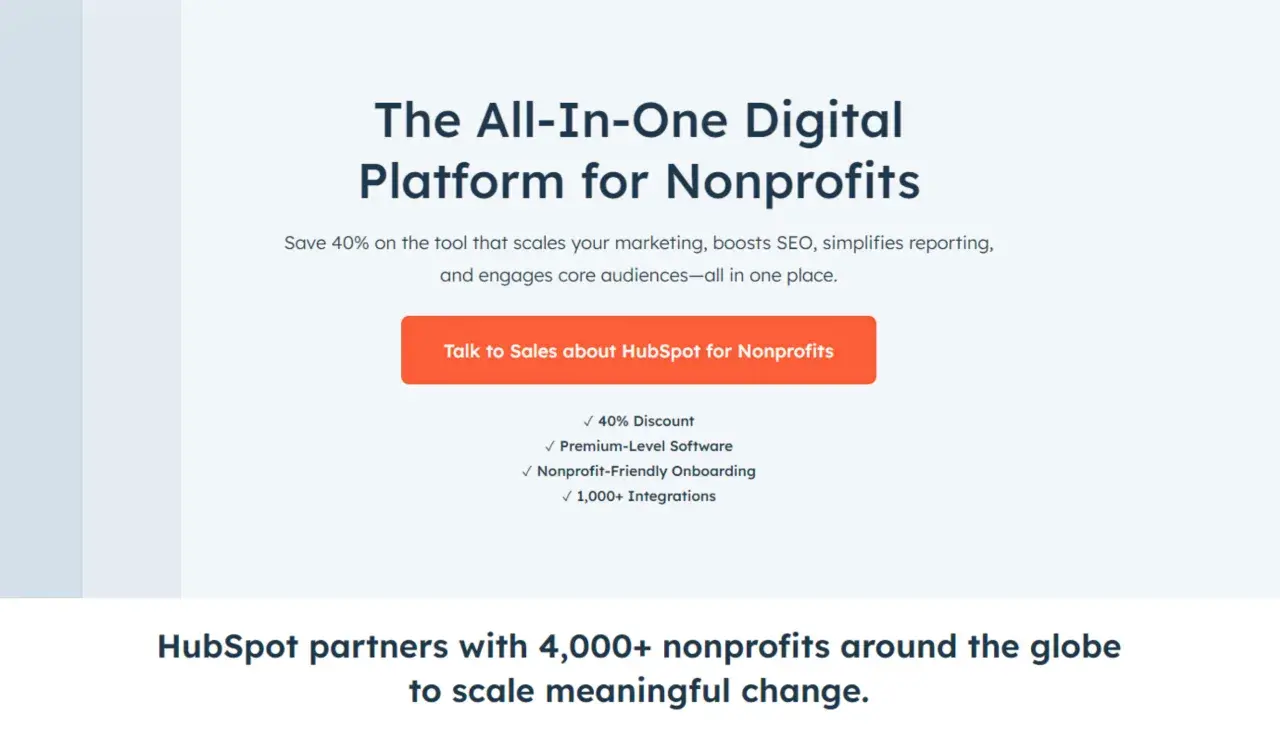
Nonprofit teams rarely lose momentum because they care too little; they lose it because supporter data gets split across donation forms, email tools, event platforms, and spreadsheets. HubSpot CRM for nonprofits is most useful when it becomes the shared system behind fundraising, volunteer communication, and impact reporting instead of just another database. In this article, I break down what it does well, where the limits are, and how I would evaluate it for a U.S. organization that needs practical results, not software theater.
The essentials to know before you choose a setup
- HubSpot works best for nonprofits that want one shared system for outreach, segmentation, automation, and reporting.
- The free CRM is genuinely useful for small teams, but it is capped at 2 users and 1,000 contacts.
- Eligible nonprofits can currently save 40% on qualifying paid subscriptions through HubSpot's nonprofit program.
- The platform is strongest for donor cultivation, volunteer communication, events, and partner tracking.
- It is not a replacement for accounting or deep gift-finance workflows, so integrations still matter.
- The cleanest results come from a narrow rollout, simple workflows, and disciplined data ownership.
Why a nonprofit needs more than a contact list
In nonprofit work, one person can be a donor in spring, a volunteer in summer, and a program participant later in the year. If those interactions live in separate tools, the organization loses context, and follow-up starts to feel generic. A CRM should preserve the relationship, not just store the email address.
I usually think about a nonprofit CRM as a constituent system. A constituent is anyone tied to the mission: donors, volunteers, members, program participants, corporate partners, foundation contacts, and even event attendees who have not given yet. The point is not to label people once and move on; the point is to keep their history visible so every team member understands the full path they are on.
- You can see the full engagement history before the next email goes out.
- You can segment by behavior, not just by a static list.
- You can hand off from communications to development without retyping data.
- You can report on engagement across the whole supporter journey, not just one campaign.
That is why I treat CRM as operating infrastructure, not contact storage. Once that is clear, the practical question becomes what HubSpot actually gives you without heavy engineering.
What HubSpot gives you out of the box
According to HubSpot, eligible nonprofits can save 40% on qualifying paid subscriptions, and the nonprofit program is built around onboarding, integrations, and growth tools rather than a separate nonprofit-only product line. That matters in the U.S. market because many smaller organizations need room to grow before they can justify a heavier software stack.HubSpot's free CRM includes contact, deal, and task management, plus email tracking, templates, scheduling, document sharing, live chat, and sales quotes. The important detail for a lean team is that the free layer is not a trial; it is free with no expiration date, although it is capped at 2 users and 1,000 contacts.
| Layer | What it covers | Why it matters for nonprofits | Limit or condition |
|---|---|---|---|
| Free CRM | Contact, deal, and task management, email tracking, templates, scheduling, document sharing, live chat | Good starting point for replacing spreadsheets and giving a small team one shared view | Capped at 2 users and 1,000 contacts |
| Nonprofit program | Discounted access to qualifying paid subscriptions plus nonprofit-friendly onboarding | Makes the paid stack more realistic for a budget-conscious organization | Eligibility and contract rules apply |
| Marketing, Sales, and Content tools | Segmentation, automation, donor cultivation pipelines, forms, landing pages, SEO tools | Useful for campaigns, event promotion, and recurring-giving journeys | More advanced automation sits in paid tiers |
| Integrations | Donation platforms, event tools, website forms, accounting systems, and other connected apps | Lets HubSpot sit in the middle of the stack instead of replacing every tool | You still need good data mapping and governance |
I read that as a practical setup, not a magic wand. You can start small, but the real value appears when follow-up stops depending on memory. That leads directly to the workflows nonprofits can actually build with it.
The workflows nonprofits can build without heavy engineering
HubSpot is at its best when the team needs repeatable communication, not a custom software project. The form and workflow tools are good enough to make the first response timely, and that alone solves a lot of nonprofit friction.
Donor cultivation
A form submission can trigger an email or a task directly from the form editor, which is enough to create a clean first response for a donor inquiry, major-gift interest form, or monthly-giving sign-up. If you stay on the free tools, I would keep the first workflow very simple, because the free tier only supports a basic form automation setup.
Volunteer communication
Volunteers often disappear from the system because their records live in a signup tool, while donor history lives somewhere else. HubSpot helps when you want one profile to hold their role, availability, region, and engagement history, then use that data to send reminders or invite them to the right event. That prevents the common problem where volunteer outreach and donor outreach drift apart.
Events and campaigns
For events, the real win is not just registration. It is registration plus reminders, attendance follow-up, and a clean handoff into future outreach. I like HubSpot here because meeting scheduling, email tracking, and segmented email sends all work together, so a one-time attendee can become a trackable relationship instead of a forgotten lead.
Read Also: Cheddar Up Pricing for Nonprofits - Hidden Costs Revealed
Grants and partnerships
This is the area where I would stay realistic. HubSpot can track deadlines, contacts, opportunity stages, and follow-up tasks, which is useful for grant and partner management. It does not replace accounting or compliance software, so I would use it to organize relationships, not to run the financial side of the grant process.
The pattern is simple: HubSpot handles communication and relationship work well, while the rest of the stack should handle money and compliance. Once that is clear, the setup work becomes much easier to design.
How I would set it up in the first 30 days
I would not start by importing every field from an old spreadsheet. I would start with the actions the team repeats every week, then create only the properties that support those actions. That keeps the system useful instead of decorative.
- Define one constituent model. I would set up a small core set of properties, such as constituent type, source, primary interest area, region, giving status, volunteer status, consent status, and record owner.
- Build one intake form per audience. A donor interest form, a volunteer form, and a program inquiry form are usually enough to get started without overcomplicating the database.
- Create one simple automation per form. I would use a welcome email, an internal notification, or a task assignment as the first workflow. If the team needs more branching later, that is the moment to move into fuller workflows.
- Connect the tools that already do specialized work. Donation processors, event platforms, and accounting software should feed the CRM, not compete with it. That keeps HubSpot focused on relationships.
- Build three dashboards and assign one owner. I would want one view for acquisition, one for retention, and one for operational follow-up. Without ownership, the best CRM slowly turns into a messy archive.
That is the part many organizations underestimate. The software is only half the job; the other half is deciding what data deserves attention and who is responsible for keeping it clean. With that in place, the next decision is whether HubSpot is the right center of gravity compared with donor-first software.
Where it beats donor-first software and where it does not
My rule of thumb is straightforward: if fundraising is part of a broader mission-operations system, HubSpot is a strong contender; if your organization lives and dies by donor accounting, a purpose-built nonprofit CRM may be cleaner. The difference is not about prestige. It is about which work matters most every day.
| Scenario | HubSpot is stronger when | Dedicated nonprofit CRM is stronger when |
|---|---|---|
| Marketing and content | You run campaigns, landing pages, and segmented email journeys | You barely need web or content tools |
| Volunteer and event outreach | You need reminders, tasking, and cross-team visibility | You only need basic attendance tracking |
| Gift management | You want light pipeline tracking and donor history tied to communication | You need deeper receipting, pledge handling, or fund restrictions |
| Reporting | Cross-team dashboards matter more than accounting-led reports | Board and audit reporting are the main job |
| Adoption and budget | Your team needs a user-friendly starting point and a free entry tier | You can absorb heavier implementation for nonprofit-specific depth |
That is why I would not frame this as a universal yes or no. I would frame it as a fit question. HubSpot is usually a better match when the organization needs one system for outreach, segmentation, and relationship management. A donor-first platform becomes more attractive when the finance side is the center of gravity.
The habits that keep HubSpot useful after launch
The real risk is not bad software. It is weak governance. A flexible CRM can become incredibly valuable, or it can become one more place where data goes to age badly. The difference comes down to a few habits.
- Assign one owner for properties, one for workflows, and one for reporting.
- Keep custom fields lean so staff can actually use them.
- Review contact growth against the free limits before the database starts to strain the plan.
- Audit consent, unsubscribe behavior, and access permissions on a regular schedule.
- Document how donation data reaches accounting so outreach and finance are not arguing over different numbers.
- Retire unused lists and stale lifecycle stages before they confuse the next campaign.
For U.S. nonprofits, this is also where privacy and communication discipline matter. If you serve sensitive populations, treat consent and access control as part of setup, not as an afterthought. My view is simple: if you keep the system lean and owned, HubSpot can become the connective tissue of a mission-driven organization. If you let it turn into a dumping ground, it will feel expensive very quickly.
