
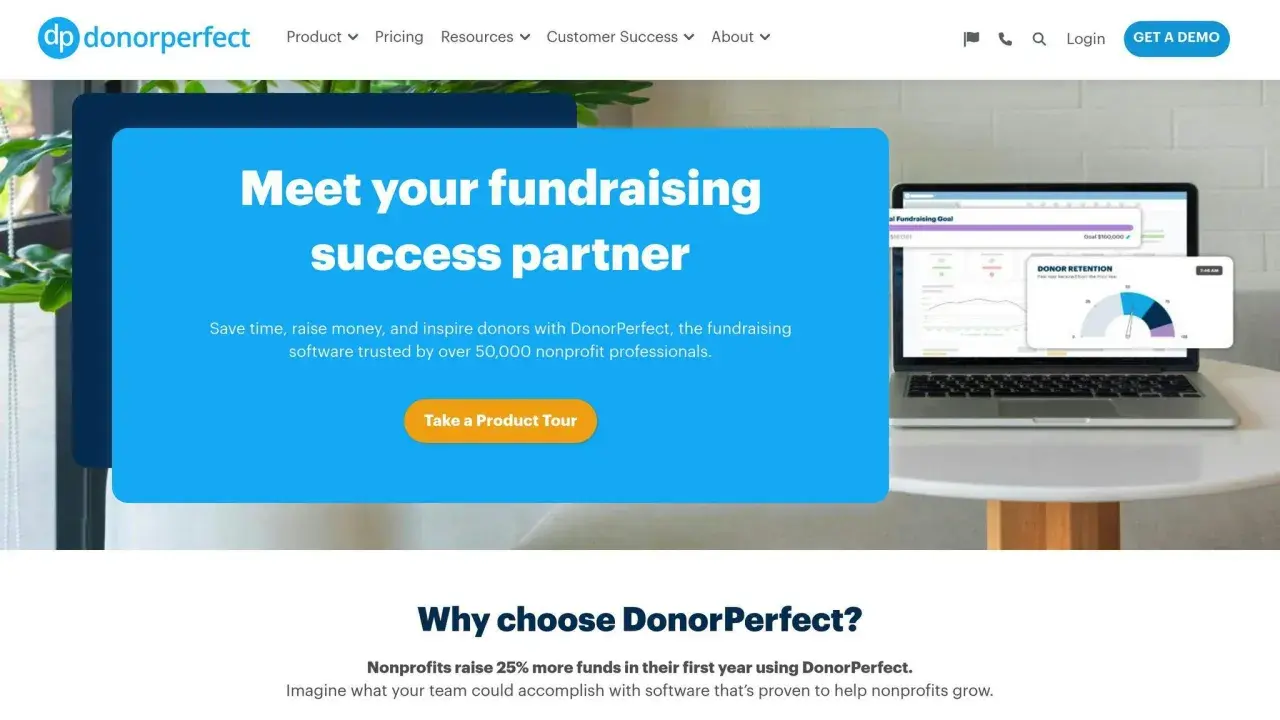
The platforms that win are the ones that reduce friction for donors and workload for staff
- Fee structure matters, but total cost is usually a mix of platform fees, payment processing, and add-ons.
- Donor experience matters just as much as price, especially on mobile and for repeat gifts.
- Recurring giving, CRM syncing, and reporting are often the difference between a basic form and real fundraising software.
- Different nonprofits need different models: a small local charity does not need the same stack as a national organization.
- Free to start does not always mean free to run; check what happens when donor tipping is off or your volume grows.
What these platforms actually do for a nonprofit
When I evaluate a digital giving tool, I look at it as nonprofit software first and payment software second. A strong platform should help you accept donations, generate tax receipts, track supporters, and keep campaigns organized without forcing your team to jump between five systems. That is why the best tools usually combine donation forms, recurring gifts, campaign pages, peer-to-peer fundraising, event ticketing, and donor management in one place.Three terms matter here. A CRM is your donor database and relationship system; it stores giving history, contact details, and segmentation data. Recurring giving means a donor authorizes automatic monthly, quarterly, or annual gifts. Payment processing is the behind-the-scenes movement of funds through a processor such as card networks or ACH, which is the U.S. bank transfer system. When these pieces are integrated, staff spend less time reconciling records and more time fundraising.
The real payoff is not just convenience. Better software often improves conversion rates because donors can give faster, on a branded page, with fewer abandoned checkouts. It also makes follow-up easier, which is where a lot of nonprofits lose momentum after the first gift. That leads naturally to the bigger comparison: which type of platform fits which fundraising model.
The main platform models worth comparing
Not every giving platform solves the same problem. Some are built for simple online donations. Others are closer to a full fundraising suite. I usually group them into four categories:| Model | Best for | Strength | Tradeoff |
|---|---|---|---|
| Lightweight donation form tools | Small nonprofits, churches, community groups, and teams that need to start fast | Simple setup, quick checkout, low barrier to entry | Fewer advanced reporting and automation features |
| All-in-one fundraising suites | Growing nonprofits that run recurring gifts, campaigns, events, and donor journeys | More control over branding, segmentation, and workflows | Higher learning curve and, often, higher total cost |
| Enterprise fundraising platforms | Mid-market and larger organizations with dedicated fundraising staff | Deeper analytics, integrations, and support | Usually quote-based pricing and longer implementation |
| Giving-day and peer-to-peer specialists | Community foundations, schools, and nonprofits that rely on campaigns and ambassador fundraising | Strong campaign energy and social sharing | May be less ideal if you need one system for everything |
That table is the first filter I would use before comparing any feature list. If your fundraising is mostly one-time gifts, you do not need to pay for a platform designed around complex campaign orchestration. If your organization depends on donor retention, peer-to-peer activity, and recurring revenue, a more complete suite can pay for itself quickly. The next question is where the money actually goes.

What fees look like in 2026
Pricing in this market is rarely as simple as “free” or “paid.” I look at four layers: platform fee, payment processing fee, donor-covered fees, and add-ons. Some tools let donors tip or cover processing costs at checkout. Others charge a monthly subscription and lower transaction fees. A few quote pricing only after a sales call, which is common once an organization needs more support or custom integrations.Here is the pattern I see most often in 2026: simpler tools try to remove upfront friction, while larger suites monetize through higher service levels, subscription pricing, or both. That means the cheapest-looking option is not always the cheapest at your actual donation volume. A platform that charges a little more per transaction can still be the better deal if it saves staff hours, improves conversion, or reduces the need for separate CRM software.
| Platform | Current pricing shape | What stands out | When it makes sense |
|---|---|---|---|
| Givebutter | $0 platform fee when donor tipping is enabled; otherwise a 3% platform fee plus standard processing fees | Flexible checkout, donor tips, and broad fundraising tools | Teams that want a low-friction start and can accept a variable fee model |
| Donorbox | Free Standard plan with fees between 2.95% and 3.95%; Pro at $150/month with fees between 1.75% and 2%; Premium at 1.6% to 2% | Strong form builder, recurring giving, event ticketing, and CRM options | Nonprofits that want a modular tool that can scale with them |
| Mightycause | $0 subscription model with a stated average processing fee of 0.95%; pricing materials also describe a cap of 1.99% + $0.30 | Free nonprofit software positioning, donor CRM, and giving-day support | Organizations that care a lot about predictable cost and campaign support |
| GoFundMe Pro | Essentials has zero subscription fees and no setup costs for nonprofits under $1 million in annual revenue; larger organizations get custom pricing | Branded campaigns, peer-to-peer, events, reporting, and strong platform depth | Groups that need a more enterprise-style setup and can justify a sales-led process |
My practical rule is simple: compare total cost at your actual donation volume, not just the headline fee. A platform that looks expensive at 20 gifts a month can become efficient at 500 gifts if it reduces manual work and improves recurring revenue. That is why selection should always follow your fundraising model, not the other way around.
How I would choose one for a U.S. nonprofit
When I help a team compare donation software, I ask them to answer five questions before a demo even starts:
- What is our primary fundraising motion: one-time donations, recurring gifts, peer-to-peer, events, or all of them?
- Do we need a simple donation page, or do we need a broader system with donor tracking and segmentation?
- How much internal capacity do we have for setup, training, and ongoing admin?
- What integrations are nonnegotiable, especially with our CRM, email platform, and accounting workflow?
- What would success look like after 90 days: more gifts, fewer processing headaches, or better retention?
If you want a fast test, I would start with the donor journey. Open the form on a phone, complete a test donation, and see how many taps it takes before the receipt lands in the inbox. If the flow feels clumsy to you, it will feel clumsy to donors. That matters more than a long feature list because most donors decide in seconds, not minutes.
For U.S. nonprofits, I also pay attention to compliance and operational fit. Look for PCI-compliant payment handling, clean receipt generation, exportable data, and support for ACH alongside cards. If you run recurring gifts, verify whether failed payments are retried automatically and how the platform handles card updates. These details are boring until they start affecting revenue.
The best choice is usually the one that fits your real fundraising tempo, not the most famous brand name. That is why implementation matters almost as much as the purchase decision itself.
Where teams usually get tripped up
I see the same mistakes over and over, and most of them are avoidable.
- Choosing on platform fee alone. A low fee can hide poor donor UX, weak reporting, or expensive add-ons.
- Ignoring payment processing costs. The processor fee often matters as much as the platform fee, especially at scale.
- Skipping mobile testing. Many donors give on their phones, so slow pages or awkward checkout flows directly hurt revenue.
- Buying enterprise software too early. If your team is small, a large suite can create more admin than value.
- Failing to plan data migration. If donor history does not move cleanly, your team loses context and your reporting gets messy.
- Overlooking staff adoption. The best software fails if nobody wants to use it after launch.
The tricky part is that each of these mistakes looks small in isolation. Together, they can make a platform feel expensive even when the sticker price looked reasonable. That is why I would rather see a nonprofit choose a slightly simpler tool and use it well than buy an overbuilt system and leave half the features untouched.
Once those risks are clear, the final decision becomes easier: match the platform to the size of the team, the shape of the fundraising program, and the level of control you actually need.
What I would prioritize before signing anything
If I were advising a nonprofit this quarter, I would prioritize four things before signing a contract: donor experience, total cost, integrations, and support. Everything else is secondary until those are covered. A platform that is easy for donors, easy for staff, and honest about fees is usually the one that will hold up after the first campaign rush fades.
I would also ask for one live test of the exact workflow the nonprofit expects to use most often. If recurring giving is central, test recurring setup. If peer-to-peer fundraising matters, test a supporter-led page. If event revenue matters, test ticketing and check-in. That kind of narrow proof is more useful than a polished demo because it shows how the software behaves under the conditions that matter to your organization.
The best giving platform is not the one with the longest feature page. It is the one that helps a nonprofit raise money consistently, keep donors engaged, and spend less time repairing broken workflows. For most teams, that means choosing a platform that matches the fundraising motion first and the budget second, not the other way around.
